

AI Caption Generator – Create Social Media Captions Online
Your voice is already in the video. Make it visible with an AI caption generator that turns spoken words into timed, editable text. Review the transcript, shape the look, and preview every line alongside your footage.
This online caption generator works with the speech in your video. Keep your wording, adjust the timing, and export captions that belong on screen.
Caption your videoHow to Use an AI Caption Generator
Upload your video
Choose a supported video with spoken audio. Check the length and file limits shown in the uploader, then play the clip to make sure you have the right take.
Generate and refine
Choose your processing option and generate captions. Review names, punctuation, and timestamps in the editor. Select a caption to check it against the moment it appears in your video.
Style, preview, and export
Choose a caption style, then adjust fonts, colours, placement, and motion. Preview the result before rendering a captioned video where supported, or download SRT and VTT files for your editing workflow.
Instagram Caption Generator for Video Posts and Reels
Let your audience follow the conversation with the sound off. Use this Instagram caption generator to turn the dialogue in your video into on-screen text, then style it around the story you are telling.
Searching for a free Instagram caption generator or an Instagram post caption generator? For video posts, start with a transcript you can correct and preview. Check the available access and processing limits before you begin.
An Instagram Reels caption generator, also called a reel caption generator, can make spoken lines readable throughout a clip. Here, captions follow your speech; the written description underneath your Reel remains yours to write.

Video Captions for Your Social Channels
TikTok, Facebook, and Snapchat
Use a TikTok caption generator for spoken tutorials, stories, and updates. As a Facebook caption generator, this tool also helps make your video's dialogue readable. Preview line breaks and placement before sharing the captioned file on your chosen platform.
LinkedIn, Pinterest, and X
Looking for a LinkedIn caption generator for a spoken presentation, a Pinterest caption generator for a video demonstration, or a Twitter caption generator for a clip on X? Create on-screen subtitles here, then write the accompanying post separately.
YouTube Shorts
A YouTube Shorts caption generator can turn a short video's speech into readable subtitles. Review the timing, keep text away from important visuals, and export the captioned video or a subtitle file. This tool does not automatically publish to YouTube.

Video Captions: Turn Spoken Words into On-Screen Text
Turn the speech in your video into timed captions. Generate a first draft, review each line, and correct wording or timestamps before publishing.
Style captions to suit your video with fonts, colours, placement, and entrance animations. Check the result in the player as you edit.
Preview captions with your video, then export a captioned video where your browser supports encoding, or download SRT and VTT subtitle files.
Video Caption Generator vs. Social Post Caption Writer
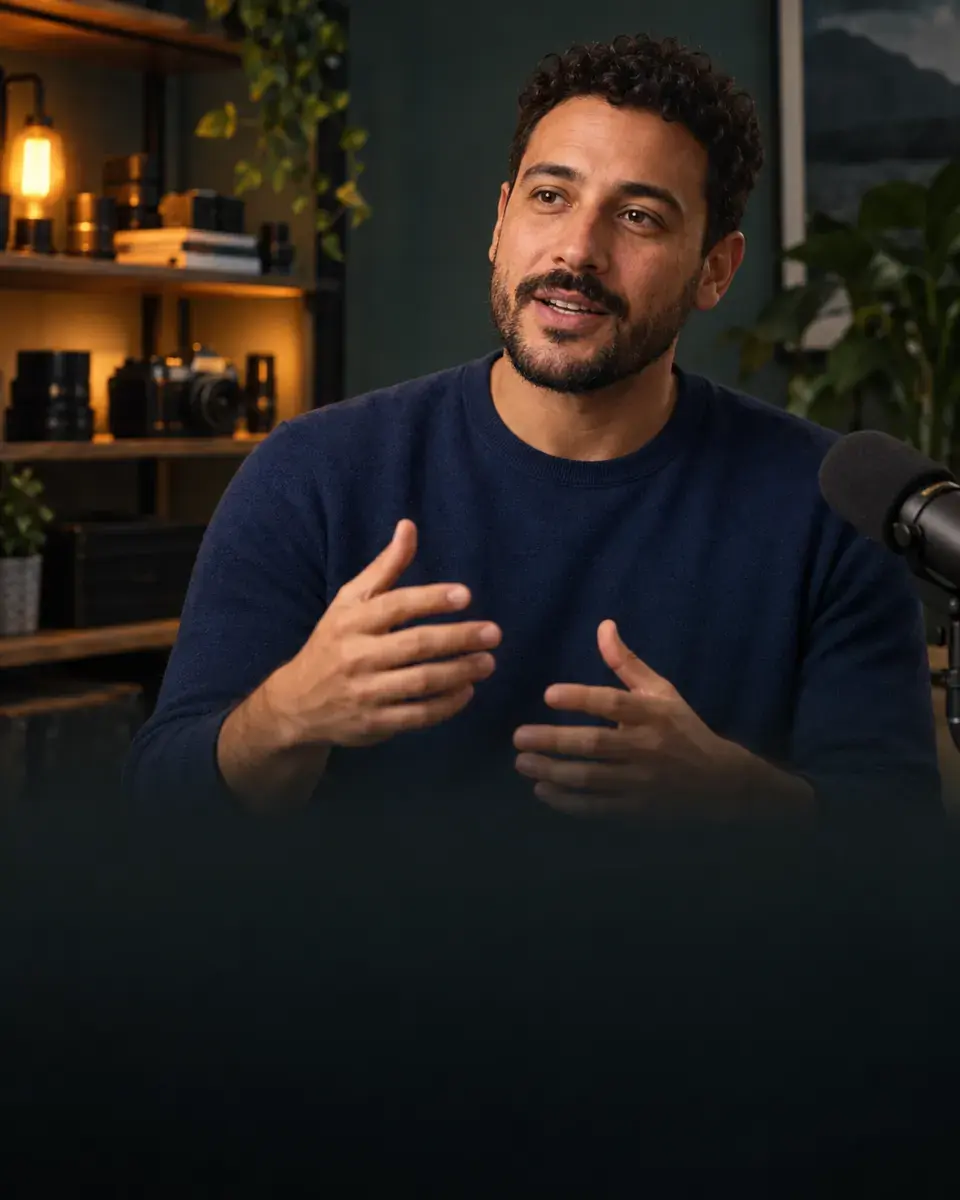 ON THE VIDEO
 UNDER THE POST
This video caption generator starts with speech, not a writing prompt. As an AI video caption generator, it creates timed subtitles you can edit. An AI caption generator for video may also refer to a separate kind of tool that writes a social-post description; that is a different task.
Use this auto caption generator for video to review dialogue and timing before export. If you are looking for a closed caption generator or an audio to caption generator, the SRT and VTT workflow provides editable timed text. Add relevant speaker labels and sound descriptions yourself when needed; automatic speech recognition does not supply a complete accessibility review.
A photo caption generator describes a still image, while a meme caption generator helps with a different kind of overlay. This page focuses on captions for spoken video, with a separate written post added by you when you publish.
Free AI Caption Generator: Features and Pricing
View plans & pricingStart with the free tools.
Edit, convert, and retime subtitle files with the existing free utilities. No account or card needed.
Explore free toolsOne purchase. More possibilities.
The $20 Source Window package includes premium Auto Caption Generator features. Get the After Effects tool and expanded caption styling together, with no separate caption subscription.
Explore the $20 packageLooking for a free AI caption generator for social media? Start by checking the video limits and access shown in the tool. AENural's existing subtitle utilities are free to use. The planned $20 Source Window package also includes premium Auto Caption Generator features, with no separate caption subscription.
Keep your caption generator free of unexpected costs: compare the Free allowance with the one-time package, then review the included features, processing limits, license, and refund terms before buying. Purchasing is not available in this preview.
Frequently Asked Questions
What is an AI caption generator?
On this page, it is a tool that recognizes speech in a video and creates timed captions. You can correct the text and timing, customize its appearance, and export the result. It does not write social-post descriptions from a prompt.
What's the best Instagram caption generator?
For video subtitles, look for editable text, timing controls, a readable preview, and exports that fit your workflow. Try a clip with your own speech and review the result. If you need the description beneath a post, choose a writing tool instead.
Can AI generate captions from images?
An AI image caption generator may analyze still images. An Instagram caption generator from photo serves that separate use case. AENural's tool on this page accepts videos and captions their speech; it does not analyze photos or generate image descriptions.
Can a free video caption generator add subtitles?
Yes, when it includes speech recognition and subtitle timing. This tool generates editable captions from video speech and supports SRT/VTT export, plus captioned-video rendering where the browser supports encoding. Check the current access and file limits in the tool.
Can I use AI captions commercially?
Review AENural's applicable terms and make sure you have rights to the source video, audio, and any other material you publish. Check the transcript for errors, including names and claims. Generating captions does not clear third-party rights.